How to Design a Custom T-Shirt with AI in Under a Minute
Baski · Jul 11, 2026 · 2 min read
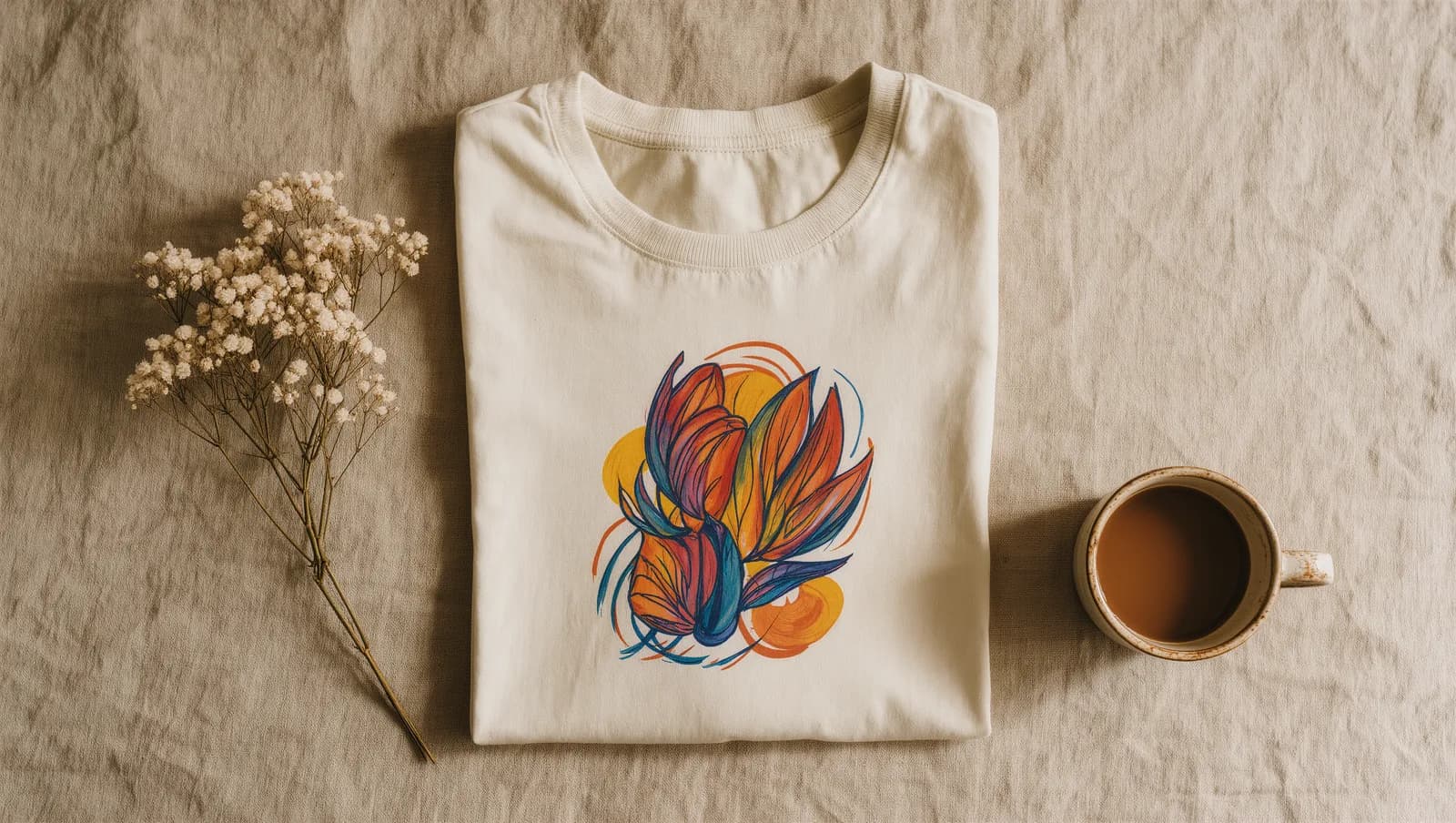
Designing a custom t-shirt used to mean either learning a design tool or hiring someone. Not anymore. With an AI design agent, you can turn a plain-English idea into a print-ready graphic in about a minute — no software, no design degree, no clipart libraries. Here's exactly how it works.
Why AI changes t-shirt design
Traditional print-on-demand tools hand you a clipart picker and a canvas, then expect you to be the designer. That's slow, and the results usually look like everyone else's.
An AI design agent flips it around: you describe what you want in words, and it draws it for you. You stay in the role you're good at — having the idea — and the AI handles the pixels. That's the whole promise: describe it, and it gets made.
Step 1: Start with a plain-English idea
You don't need the "right" words. Start with whatever's in your head:
- "A cozy mountain sunrise for a camping trip"
- "A funny slogan for my football group chat"
- "Minimalist line art of the ocean"
The more you say about the feeling and the occasion, the better the first draft. But even a short line is enough to get going.
Step 2: Describe the style, not the pixels
Style is where the magic is. Instead of picking fonts and colors by hand, you tell the agent the vibe — "retro," "vintage badge," "hand-drawn," "clean and modern" — and it interprets it.
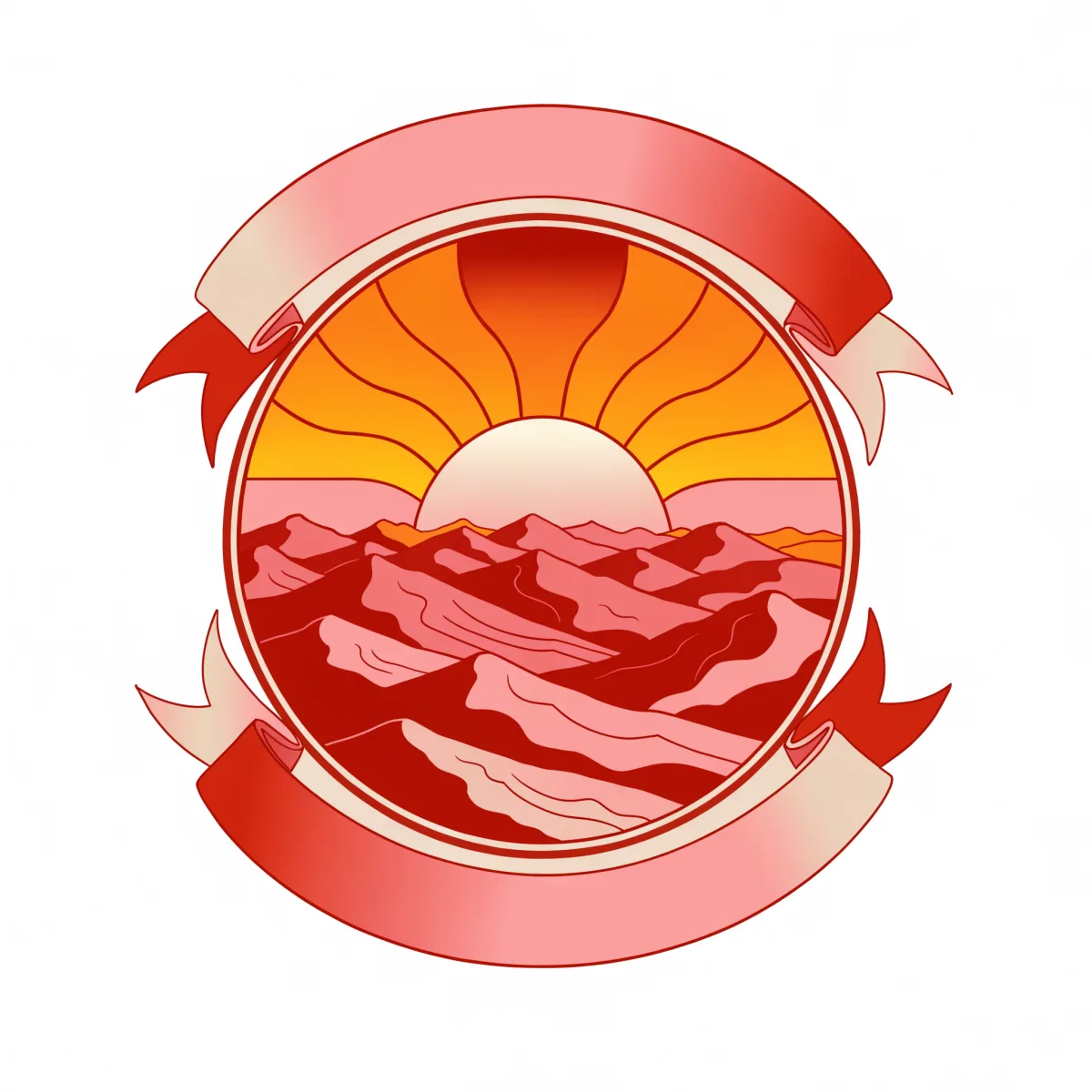
That badge started as a single sentence: a retro sunset over mountains in a vintage emblem. No shapes were placed by hand — the whole thing came from a description.
Step 3: Refine in a sentence
First draft not perfect? You don't start over — you just say what to change. "Make it warmer." "Simpler." "Add a moon." Each nudge is a sentence, and the design evolves with you.
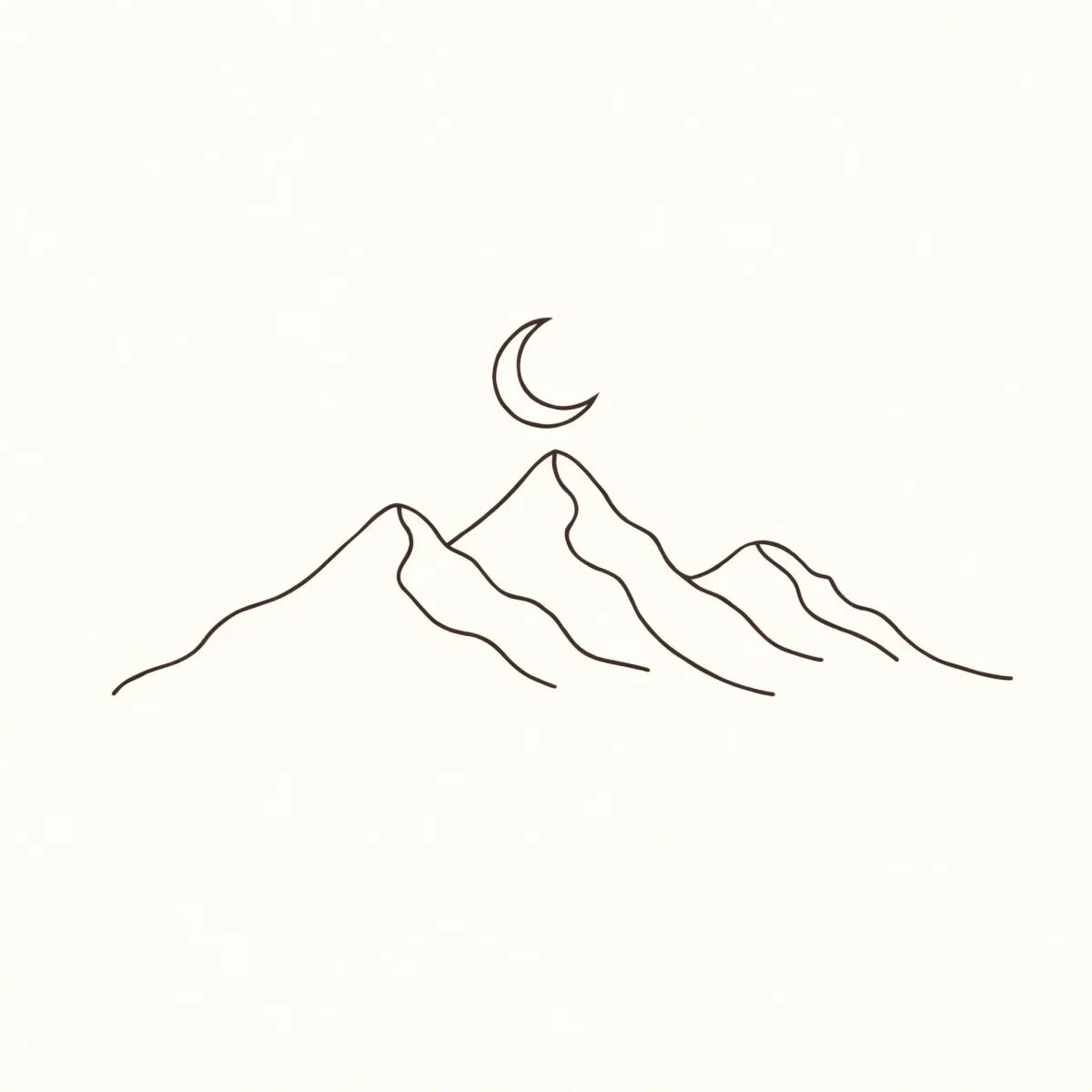
Simple can be just as striking. This minimalist mountain-and-moon line art works beautifully on a plain tee — and it came from asking for "elegant single-line art, lots of space."
Step 4: Put it on a real product
Once the design looks right, it goes straight onto premium apparel, printed on demand. No bulk orders, no minimums — one shirt is fine. You see it on the actual product before you ever pay.
A few prompt ideas to steal
- Retro badge: "vintage sunset emblem with a banner, warm 70s colors"
- Minimalist: "single continuous line drawing of a wave, lots of negative space"
- Typographic: "bold varsity-style text that says GOOD VIBES"
- Nature: "hand-drawn wildflowers in a loose watercolor style"
Want more? Steal 35 ready-to-use prompt ideas.
Ready to try it? Join the early-access list and turn your first idea into something you can wear.
Frequently asked questions
None at all. You describe what you want in plain words — a vibe, an occasion, a joke — and the AI designs it for you. If you can text a friend, you can design with Baski.